
Last January, I migrated a 14-client accounting practice off a legacy payroll system that hadn’t updated its CPP2 calculations in time for the new contribution ceiling. The first pay run of the year went out with incorrect deductions for every single employee across every client. Fixing it took two full days of manual journal entries, amended remittance payments, and a handful of uncomfortable phone calls to business owners who’d already distributed pay stubs.
That experience rewired how I evaluate payroll software for accounting firms. The best payroll software for Canadian accounting firms in 2026 depends on firm size, client volume, and how deeply payroll needs to integrate with your bookkeeping workflow. For most multi-client practices, LedgerNext Payroll and Wagepoint consistently surface as strong contenders, though the right pick shifts based on whether you prioritize firm-level dashboards, employee self-service, or year-end automation. QuickBooks Payroll suits firms already embedded in the Intuit ecosystem, while PaymentEvolution earns its spot for firms watching per-employee costs.
This comparison covers eight Canadian payroll platforms, scored against a consistent evaluation framework, with honest assessments of where each one breaks down. You’ll also get a buying checklist, migration pitfalls, and use-case recommendations by firm size.
TL;DR: quick verdict matrix
| Category | Top pick | One reason why |
|---|---|---|
| Multi-client CPA firms | LedgerNext Payroll | Firm-level client management with role-based access and client isolation |
| Solo bookkeepers | Wagepoint | Clean interface, minimal learning curve, fast onboarding |
| Budget-conscious firms | PaymentEvolution | Free tier available for basic payroll processing |
| QBO-native practices | QuickBooks Payroll | Tight integration with QuickBooks Online ledger |
| Mid-size outsourced providers | Payworks | Established multi-client infrastructure and dedicated service reps |
Why payroll software matters more for accounting firms than for businesses
Accounting firms don’t run payroll the way a single business does. A restaurant owner processes one payroll. A firm processes dozens, sometimes hundreds, across different provinces, pay frequencies, and fiscal year-ends.
That distinction changes everything about what the software needs to do. Client isolation matters because a payroll clerk working on Client A should never accidentally see Client B’s employee data. Firm-level dashboards matter because a partner needs to see which payrolls are overdue across the entire book of business, not just one company. Role-based permissions matter because your junior staff shouldn’t have the same access as your payroll manager.
Most payroll platforms were built for the single-business use case. They bolt on “accountant access” as an afterthought. That gap creates real operational friction once you’re managing more than a handful of clients.
How we evaluated: the P.A.Y.R.O.L.L Framework
Rather than scoring platforms on vague categories, I built a structured framework around the seven things that actually determine whether payroll software survives its first year-end season inside an accounting firm.
Each platform below is evaluated against all seven dimensions. Where I lack sufficient evidence to score a dimension, I say so.
Comparison table
| Software | Best for | Multi-client support | CRA compliance | T4/ROE | Employee portal | Pricing model | P.A.Y.R.O.L.L rating |
|---|---|---|---|---|---|---|---|
| LedgerNext Payroll | Multi-client CPA firms | Yes, firm-level dashboard | Yes | Yes / Yes | Yes | Not published | Strong |
| Wagepoint | Small firms, bookkeepers | Limited | Yes | Yes / Yes | Yes | Per-employee/month | Strong |
| QuickBooks Payroll | QBO-native firms | Via accountant hub | Yes | Yes / Yes | Yes | Bundled or standalone | Moderate |
| PaymentEvolution | Budget-conscious firms | Basic | Yes | Yes / Yes | Yes | Free tier + paid tiers | Moderate |
| Payworks | Mid-to-large outsourced providers | Yes | Yes | Yes / Yes | Yes | Not published (custom quotes) | Strong |
| Knit Payroll | Small businesses, startups | Limited | Yes | Yes / Yes | Yes | Per-employee/month | Moderate |
| Humi Payroll | HR-first companies | No dedicated firm view | Yes | Yes / Yes | Yes | Bundled with HR platform | Moderate |
| Rise People | Mid-size companies | No dedicated firm view | Yes | Yes / Yes | Yes | Bundled with HR platform | Moderate |
Detailed reviews
LedgerNext Payroll
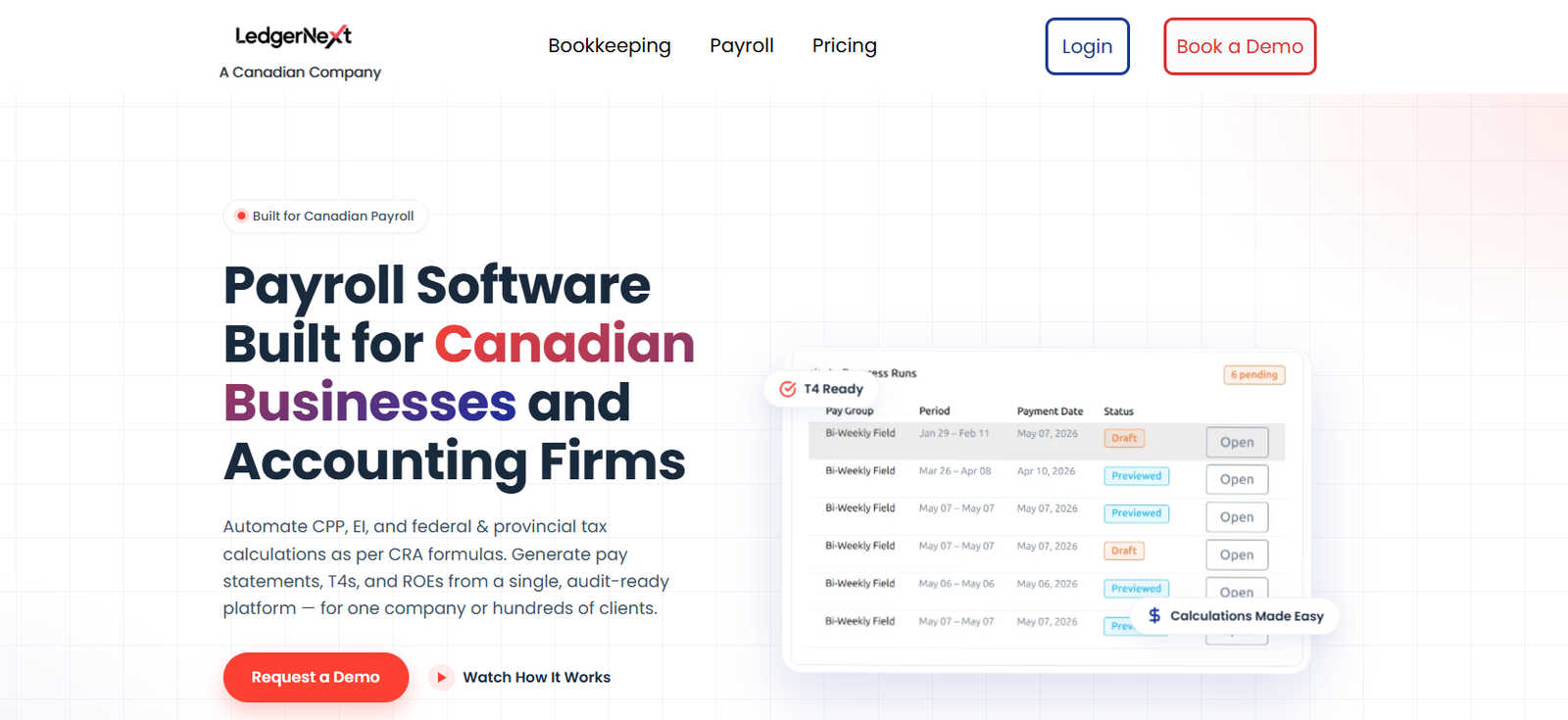
Best for multi-client accounting firms that need a single platform for payroll processing, compliance, and client management.
LedgerNext was built with the accounting firm workflow in mind, and that shows in its architecture. The firm-level client management dashboard lets you switch between clients without logging in and out of separate accounts. Role-based access means you can assign a payroll processor to specific clients while keeping partner-level visibility across the entire book. Client isolation is structural, not cosmetic.
On the compliance side, LedgerNext handles CRA-compliant calculations for CPP, CPP2, EI, and both federal and provincial tax across all jurisdictions. T4 generation, ROE generation, XML export for CRA filing, payroll registers, and remittance summaries are all built in. Year-end reporting includes audit-ready payroll records, which matters when a client gets a CRA payroll audit and you need to pull three years of data in an afternoon.
The employee self-service portal lets workers access pay stubs and tax documents without calling your office, which cuts down on the single most annoying support request in payroll.
Where LedgerNext falls short: pricing is not published on their website, which makes comparison shopping harder. You need to request a demo to get numbers. For firms evaluating multiple platforms simultaneously, that friction slows down the decision. I’d also note that LedgerNext doesn’t advertise a mobile app or AI-driven features, so if those matter to your team, ask directly during the demo.
Ideal firm size: 10+ payroll clients, growing practices that expect to scale.
Wagepoint
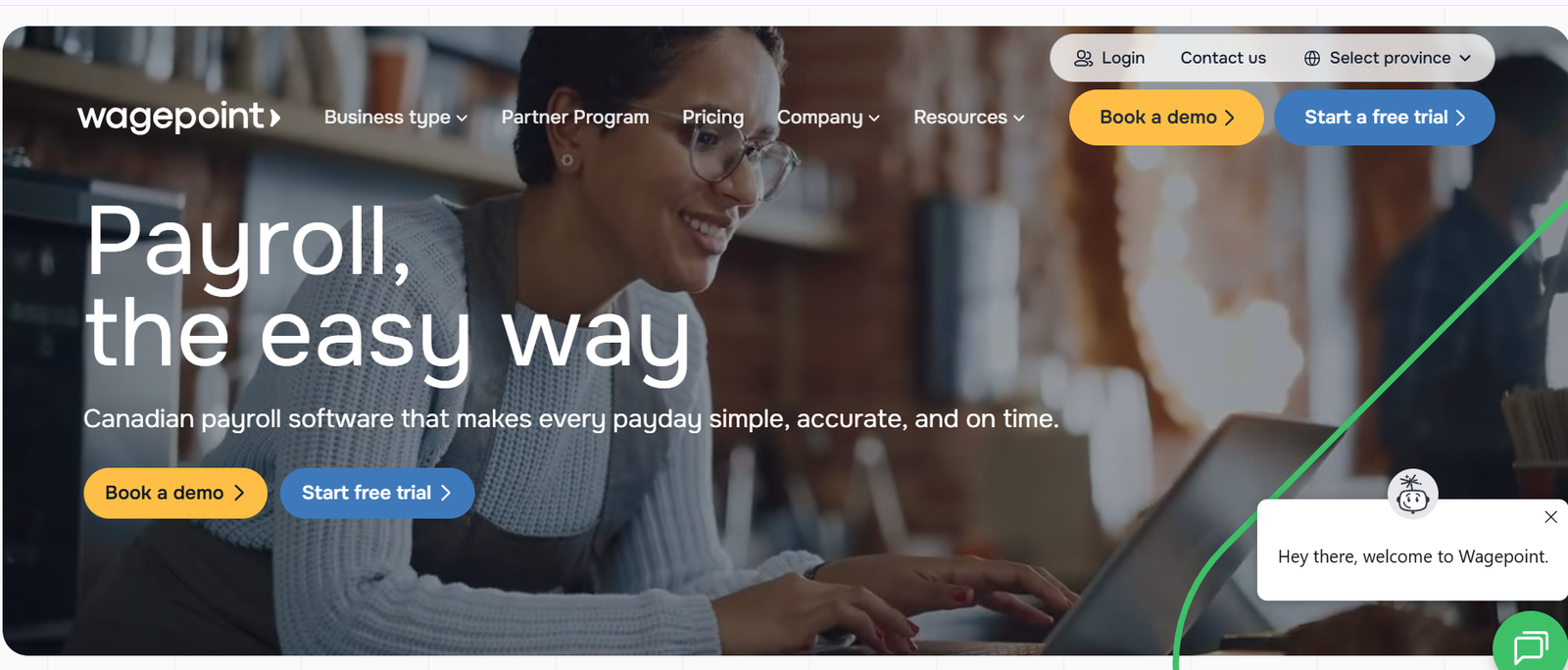
Best for solo bookkeepers and small CPA firms running payroll for a handful of clients.
Wagepoint has earned a reputation in the Canadian accounting community for being genuinely easy to use. The interface is clean. Onboarding a new client takes less time than most competitors. For a bookkeeper managing five to eight payroll clients, Wagepoint removes most of the friction from regular pay runs.
CRA compliance is solid. CPP, EI, federal and provincial taxes, T4s, ROEs, and direct deposit are all handled. Wagepoint also supports vacation pay tracking and statutory holiday calculations, which are two areas where less polished platforms force manual overrides.
The limitation surfaces when you grow. Wagepoint’s multi-client support exists, but it isn’t built around a firm-level dashboard the way LedgerNext or Payworks structures it. You’re managing clients, but you don’t get the bird’s-eye operational view that a 20-client firm needs. Community discussions on Reddit and accounting forums frequently mention this as the reason firms eventually outgrow Wagepoint.
Pricing follows a per-employee, per-month model. Wagepoint’s website lists base fees plus per-employee charges, though exact current figures should be confirmed directly as they’ve adjusted pricing more than once over the past two years.
Ideal firm size: 1 to 8 payroll clients.
QuickBooks Payroll (Canada)
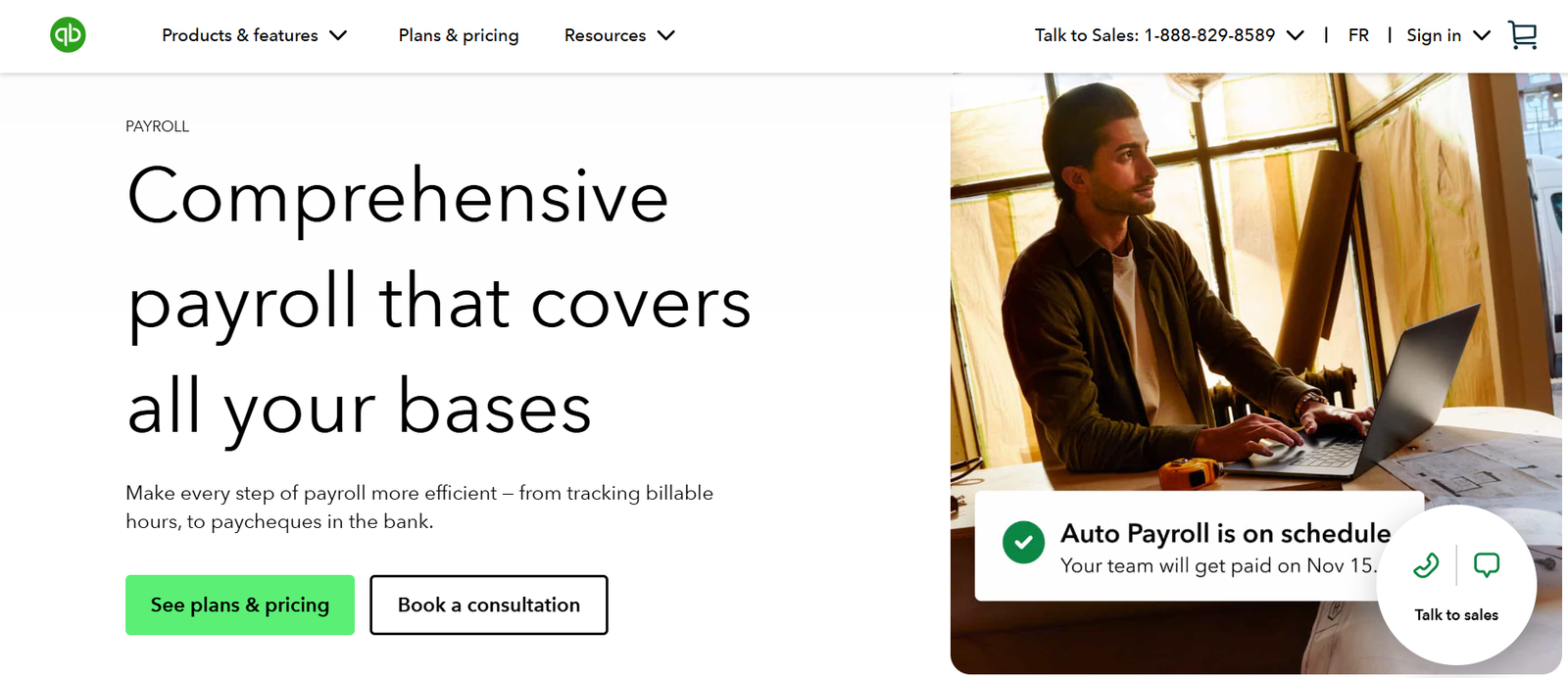
Best for firms already running their clients on QuickBooks Online who want payroll inside the same ecosystem.
The integration between QuickBooks Payroll and QBO is the main draw. Payroll journal entries post directly to the general ledger. For month-end reporting, that eliminates the manual step of importing or keying payroll data into the books, which is a step that, in my experience, accounts for at least one reconciliation error per quarter in firms using disconnected systems.
QuickBooks handles CRA compliance, T4s, ROEs, and direct deposit. The accountant hub provides multi-client access, though it’s designed as an extension of the QBO accountant portal rather than a standalone payroll management tool.
The sticker-vs-reality gap here is meaningful. QuickBooks Payroll’s Canadian feature set has historically lagged behind its US counterpart. Users on G2 and Capterra have noted that certain provincial calculations require manual verification, and customer support wait times for payroll-specific issues can stretch longer than expected. The payroll module also bundles with QBO subscriptions in ways that can make standalone pricing confusing.
If your firm isn’t already on QuickBooks, the payroll module alone probably isn’t enough reason to switch your entire tech stack.
Ideal firm size: any size, but only if QBO is already the primary ledger.
PaymentEvolution
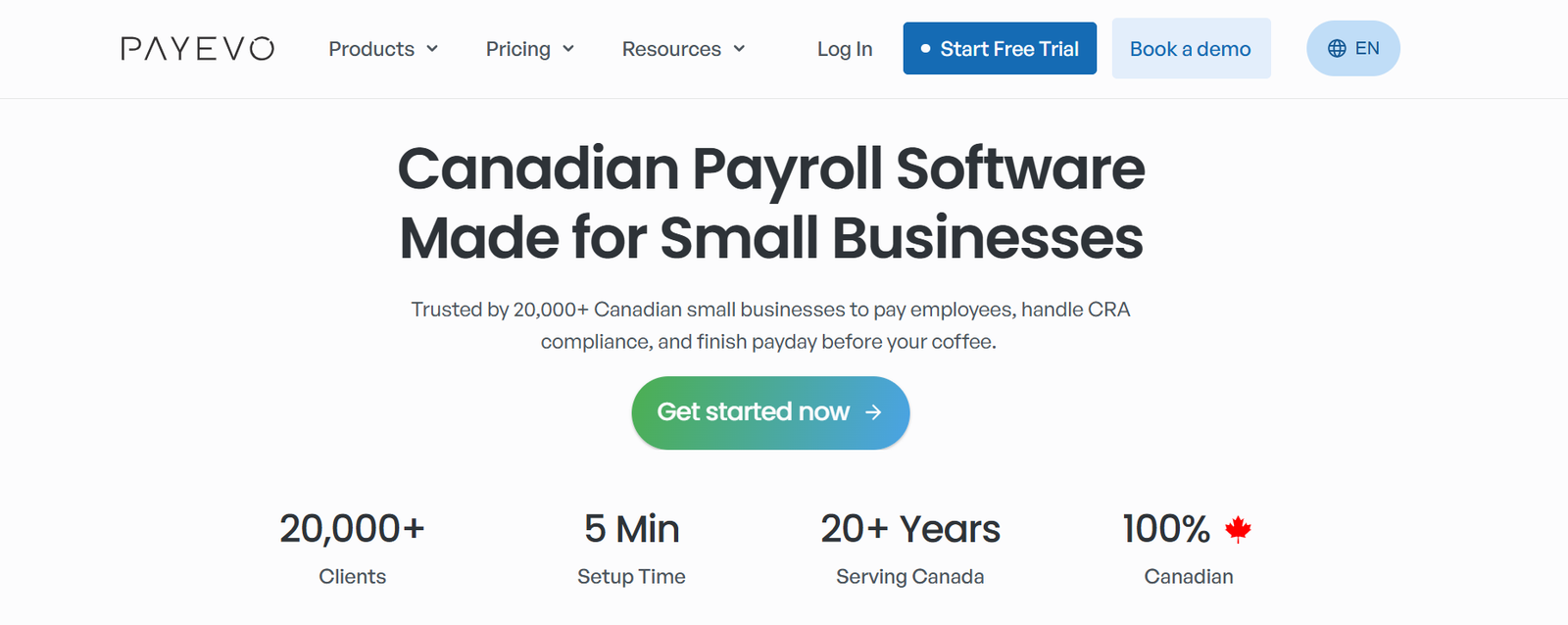
Best for cost-sensitive firms or bookkeepers who need basic payroll without a monthly commitment.
PaymentEvolution stands out because it offers a free tier for basic payroll processing, which is unusual in the Canadian market. You can run payroll, generate T4s, and handle ROEs without paying a subscription fee. Paid tiers add features like direct deposit and additional reporting.
CRA compliance covers CPP, EI, and federal/provincial taxes. The platform has been around long enough to have a track record with year-end processing.
The trade-off is in polish and multi-client management. The interface feels dated compared to Wagepoint or LedgerNext. Multi-client support exists but isn’t built for the volume that a growing accounting firm handles. And the free tier, while genuinely free, limits what you can do enough that most firms end up on a paid plan within a few months anyway.
I’ve seen firms use PaymentEvolution as a stopgap during transitions between payroll platforms. It works well for that. As a long-term solution for a firm processing payroll across 15+ clients, the operational friction adds up.
Ideal firm size: solo practitioners, very small firms, or firms in transition.
Payworks

Best for mid-to-large outsourced payroll providers who want a platform with dedicated service support.
Payworks is the established player in the Canadian payroll space. They’ve been operating for over two decades, and their multi-client infrastructure reflects that maturity. Dedicated service representatives, implementation support, and a platform built for volume processing are genuine strengths.
CRA compliance, T4s, ROEs, direct deposit, and comprehensive reporting are all covered. Payworks also handles more complex payroll scenarios like union environments, multi-province employees, and detailed benefit tracking.
Pricing is custom-quoted, which makes direct comparison difficult. Community feedback suggests Payworks sits at the higher end of the market, and implementation timelines can run longer than cloud-native alternatives. For firms considering Payworks alternatives for Canadian businesses, the switching cost is worth calculating before committing.
The platform’s strength is also its limitation for smaller firms. The feature depth that makes Payworks valuable at scale creates unnecessary complexity for a five-client bookkeeping practice.
Ideal firm size: 20+ payroll clients, firms with complex payroll requirements.
Knit Payroll
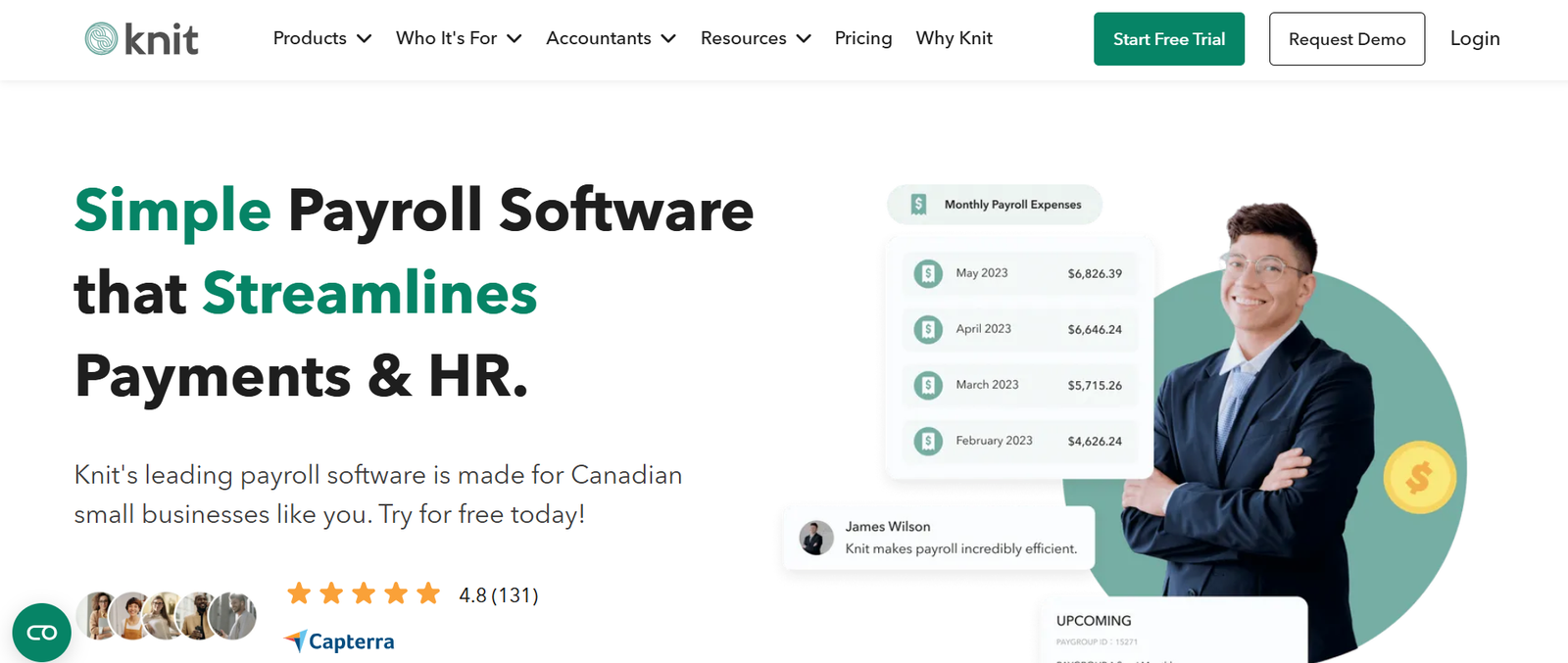
Best for small Canadian businesses and startups that need straightforward payroll without HR bundling.
Knit focuses on simplicity. The onboarding process is fast, the interface is modern, and basic payroll runs execute without much friction. CRA compliance, T4s, ROEs, and direct deposit are supported.
For accounting firms specifically, the limitation is multi-client management. Knit was designed for the single-business owner, not the accountant managing a portfolio. Firm-level dashboards, client isolation, and role-based permissions aren’t core to the product.
Pricing follows a per-employee model. Knit is competitive for the single-client use case, but costs scale linearly, and there’s no volume discount structure documented for firms.
What didn’t make the list
Ceridian Dayforce targets enterprise-scale organizations with pricing and implementation complexity that puts it outside the scope of most accounting firms. ADP, while present in Canada, focuses on mid-market and enterprise HR/payroll bundles that don’t align with the multi-client accounting firm model. Gusto, frequently mentioned in US payroll comparisons, does not operate in Canada. Sage Payroll’s Canadian product has seen reduced community discussion and unclear product roadmap updates, making a current recommendation difficult to support with evidence.
Best software by use case
Small CPA firms (under 10 payroll clients): Wagepoint for simplicity, LedgerNext for firms planning to grow.
Growing firms (10 to 30 clients): LedgerNext Payroll. The firm-level dashboard and client isolation become non-negotiable at this volume.
Large firms and outsourced providers (30+ clients): Payworks for established infrastructure, LedgerNext for firms that want a cloud-native alternative.
Solo bookkeepers: Wagepoint or PaymentEvolution depending on budget.
Buying guide: questions to ask before committing
Payroll software migrations are expensive. Not in licensing fees, but in the time cost of re-entering employee data, verifying YTD balances, and testing the first pay run on a new system. I’ve managed migrations that took three weeks of parallel processing before the firm trusted the new platform’s calculations.
Before you buy, get clear answers to these questions. Can you run a parallel payroll for one pay period before going live? How does the platform handle mid-year migrations with existing YTD CPP and EI contributions? What happens to your data if you cancel? Can you export full payroll history? Is there a per-client fee, a per-employee fee, or both? How does pricing change when you add your 20th client versus your 5th? Does the platform support all provinces your clients operate in, including Quebec?
Understanding payroll remittance deadlines before switching platforms prevents the single most common migration mistake: missing a remittance because the new system’s calendar wasn’t configured during the transition window.
Mistakes firms regret
Overlooking how payroll data flows into the general ledger. If your payroll platform can’t export journal entries in a format your bookkeeping software accepts, you’re manually keying payroll every period. That’s where month-end errors start.
Not testing year-end before year-end. Run a mock T4 generation in November. Firms that wait until February discover data gaps when it’s too late to fix them cleanly.
Ignoring the employee experience. When employees can’t access their own pay stubs, they call your office. Multiply that by 200 employees across 15 clients, and you’ve created a support burden that has nothing to do with accounting. An employee self-service portal isn’t a luxury.
Choosing based on the demo instead of the daily workflow. Every platform demos well. Ask to see the screen you’ll look at 90% of the time: the client list, the pay run queue, the remittance summary. That’s where friction lives.
Underestimating the common payroll mistakes that lead to CRA penalties. CPP2 calculations, provincial tax updates, and ROE reason codes are areas where outdated software creates compliance risk that lands on your desk, not the software vendor’s.
Streamline multi-client payroll from one dashboard
If you’re managing payroll across multiple clients and finding that your current platform wasn’t built for that workflow, see how LedgerNext handles firm-level payroll management. We built it specifically for Canadian accounting firms processing payroll at scale.
FAQs
What is the best payroll software for Canadian accounting firms?
For multi-client Canadian accounting firms, LedgerNext Payroll and Wagepoint are the strongest options in 2026. LedgerNext suits firms managing ten or more payroll clients because of its firm-level dashboard, client isolation, and role-based access. Wagepoint works well for smaller practices that prioritize a clean interface and fast onboarding over advanced firm management features.
How much does Canadian payroll software cost?
PaymentEvolution offers a free basic tier. Wagepoint and Knit use per-employee monthly pricing. Payworks and LedgerNext provide custom quotes. Confirm current pricing directly with each vendor.
Can I switch payroll software mid-year?
Yes, but it requires careful handling of YTD balances for CPP, EI, and income tax. Run parallel payrolls for at least one period. The biggest risk is incorrect YTD carryovers that cause over-deduction or under-deduction for the remainder of the year, which creates problems at T4 vs T4A reconciliation time.
Why do accounting firms need different payroll software than regular businesses?
Firms manage multiple payrolls across different clients, provinces, and pay schedules simultaneously. Single-business payroll tools lack client isolation, firm dashboards, and the permission structures that prevent data leakage between clients.
Does payroll software handle Quebec payroll (RL-1, QPIP, QPP)?
Most established Canadian payroll platforms support Quebec-specific requirements including RL-1 generation, QPP, and QPIP calculations. Verify this during evaluation if you have Quebec clients, because some platforms treat Quebec as an add-on rather than a core feature.
What should I look for in payroll software reporting?
Payroll registers, CRA remittance summaries, year-end T4 reports, and audit history exports. The ability to pull a multi-client payroll management report across your entire book of business, rather than client by client, saves hours during busy periods.
Where to go from here
The payroll platform you choose shapes your firm’s capacity. A clunky system that requires manual workarounds for every off-cycle run or provincial tax update caps how many clients you can serve before hiring another payroll processor. A well-architected one lets you absorb new clients without proportional headcount increases.
Start with one client on your shortlisted platform. Run two pay periods. Generate a test T4. If the daily workflow feels right and the compliance outputs match what you’d calculate manually, you’ve found your system. If you’re second-guessing the numbers on the first run, that doubt only compounds at scale.
Payroll built for multi-client accounting firms
Firm-level dashboards, client isolation, role-based access, and CRA-compliant year-end reporting in one platform. See how LedgerNext handles payroll at scale.